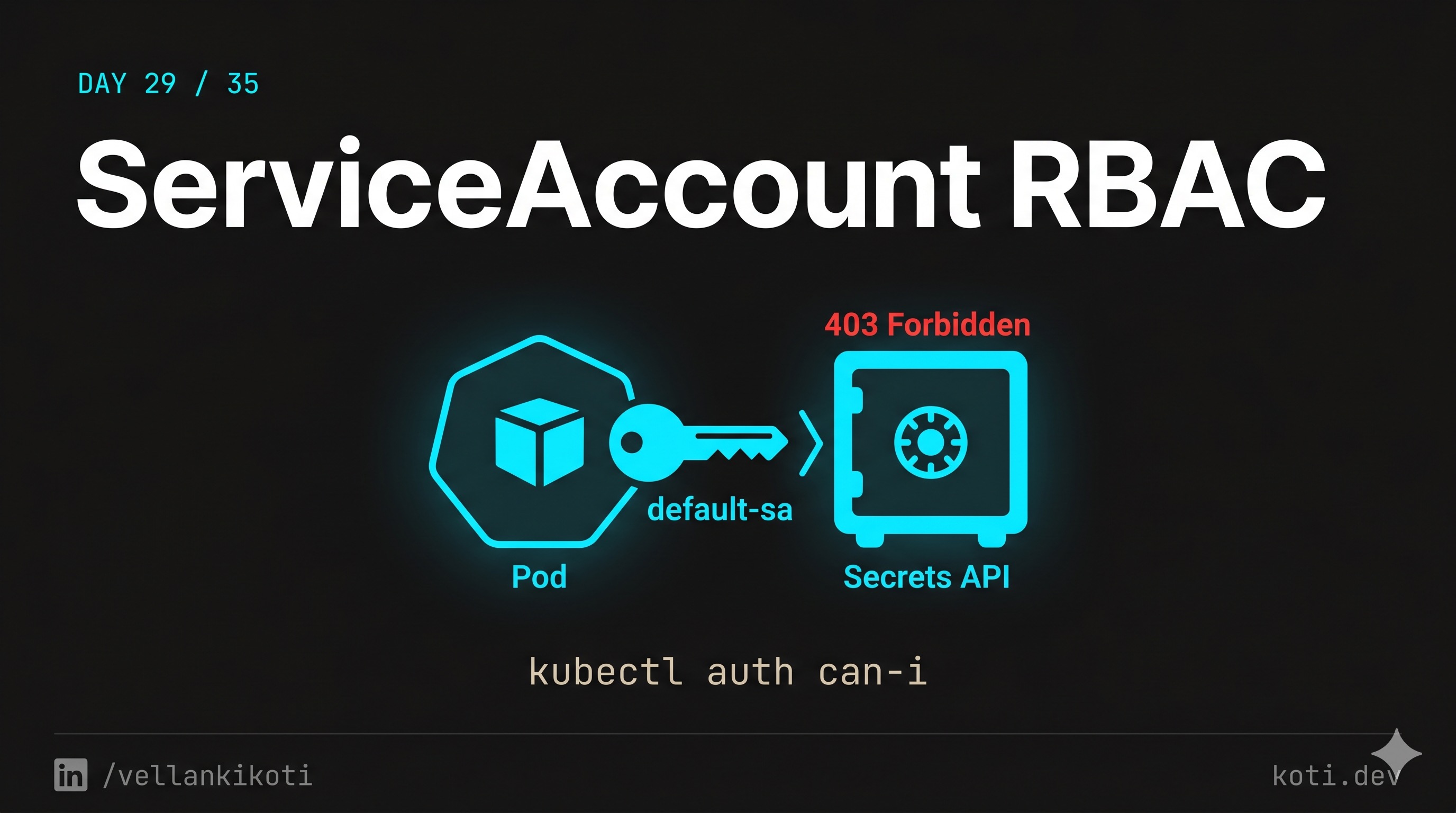
2AM. A custom controller we wrote to reconcile a CRD has stopped doing its job. The pod is Running. The pod is Ready. Zero restarts. kubectl logs shows a clean startup and then nothing. No panic, no crash, no error. Just a very healthy pod that has decided it is done working. The on-call from the platform team pings me because CRDs are piling up in etcd and nothing is processing them. I check the obvious stuff first and everything looks fine. Yaar, a pod that looks perfect and does nothing is the worst kind of outage, because every reflex you have says "it is fine" and every metric agrees with you.
The scenario
The pod is running. Its identity has no configmap rights.
A pod calls the Kubernetes API to list ConfigMaps in its namespace. The ServiceAccount it runs as is bound to a Role that only allows get pods — no configmap permissions exist. The API server's RBAC authorizer walks the binding chain, finds no allow rule, and returns 403 Forbidden. The pod's code gets an error it never expected. The fix is not in the pod — it is in the RoleBinding.
The pod's identity is its ServiceAccount — follow the chain
Every pod runs as a ServiceAccount. Unless you set spec.serviceAccountName, the pod gets the default SA. Kubernetes automatically mounts the SA's bearer token at /var/run/secrets/kubernetes.io/serviceaccount/token. Any API call the pod makes is authenticated as that SA.
RBAC is default-deny — every permission must be explicit
The RBAC authorizer walks all RoleBindings and ClusterRoleBindings for the subject. If no rule grants list configmaps, the request is denied. Check what the SA can do: kubectl auth can-i list configmaps --as=system:serviceaccount:default:app-sa. Check what bindings exist: kubectl get rolebindings -n default -o wide.
Add the missing rule to the Role — least privilege, not wildcard
The fix is to add configmaps with verb list (and get if the pod also reads individual items) to the Role. Resist the urge to add verbs: ["*"] — wildcard rules routinely come back as security findings in audits. Grant exactly what the code needs.
This one lives in the troubleshooting repo. Grab it and follow along.
git clone https://github.com/vellankikoti/troubleshoot-kubernetes-like-a-pro.git
cd troubleshoot-kubernetes-like-a-pro/scenarios/service-account-permissions-issue
lsYou will see description.md, issue.yaml, and fix.yaml. The issue manifest points the pod at a ServiceAccount that does not have the RBAC bindings it needs. Kubernetes is completely happy to schedule a pod against a non-existent or unauthorized SA. It just fails the moment the workload tries to talk to the API.
Reproduce the issue
kubectl apply -f issue.yaml
kubectl get pod service-account-permission-issue-podNAME READY STATUS RESTARTS AGE
service-account-permission-issue-pod 1/1 Running 0 12sRunning. Ready. Zero restarts. Nothing in the status that says "this workload cannot do its job." This is the trap.
Debug the hard way
First I check the logs, because that is what everyone checks first.
kubectl logs service-account-permission-issue-podSimulating service account permission issueUseless. The app did not log the actual 403 because the SDK swallowed the error. Now I check which SA the pod is actually using.
kubectl get pod service-account-permission-issue-pod -o jsonpath='{.spec.serviceAccountName}'invalid-service-accountThere it is. A SA name that nobody created and nobody bound. Now the reflex every DevOps engineer should have burned into muscle memory, kubectl auth can-i, but scoped to that SA.
kubectl auth can-i list configmaps \
--as=system:serviceaccount:default:invalid-service-accountnokubectl auth can-i get secrets \
--as=system:serviceaccount:default:invalid-service-accountnoThe API server is telling me exactly what is wrong. The pod can start, the pod can run, the pod just cannot do anything useful because its identity has no permissions.
Why this happens
Kubernetes separates three things that most developers assume are one thing: the pod, the identity the pod runs as, and the permissions that identity has. The pod exists in the scheduler. The identity is a ServiceAccount object. The permissions live in Roles and RoleBindings. Break any one of those links and the pod still runs, because scheduling does not validate RBAC.
The common ways this breaks in prod are all the same shape. Somebody copy-pastes a Deployment from one namespace to another and forgets to also copy the RoleBinding. Somebody refactors RBAC and renames a Role. Somebody types serviceAccountName: controller when the actual SA is controller-sa. Kubernetes does not validate the name at admission because the SA might be created later, so you end up with a pod bound to an SA that does not exist. The default SA in the namespace gets used as a fallback in some setups, and the default SA has exactly zero permissions.
The audit log is the only honest witness here. Every failed API call from the pod shows up as a Forbidden entry with the SA name, the verb, and the resource. If you do not have audit logging enabled, you are debugging blind.
The fix
kubectl apply -f fix.yaml
kubectl get pod service-account-permission-fixed-podThe key change is one line in the pod spec.
- serviceAccountName: invalid-service-account
+ serviceAccountName: defaultVerify the new SA can actually do the thing the workload needs.
kubectl auth can-i get pods \
--as=system:serviceaccount:default:defaultyesIn real life you would not use default, you would create a dedicated SA with a Role scoped to exactly the verbs and resources the controller needs. But the principle is the same. The pod needs a name, the name needs a Role, the Role needs a RoleBinding. All three, every time.
The lesson
- A
Runningpod proves nothing about whether the workload is allowed to do its job. Status and authorization are two different planes. kubectl auth can-i --as=system:serviceaccount:<ns>:<sa>is the fastest RBAC check in Kubernetes. Memorize it. Run it before you read code.- Every workload gets its own ServiceAccount, its own Role, its own RoleBinding. Never share, never reuse the default SA in prod. If you do not know what permissions a workload needs, it probably needs none.
Day 29 of 35 — tomorrow we find out why a pod you thought was locked down is still running as UID 0.