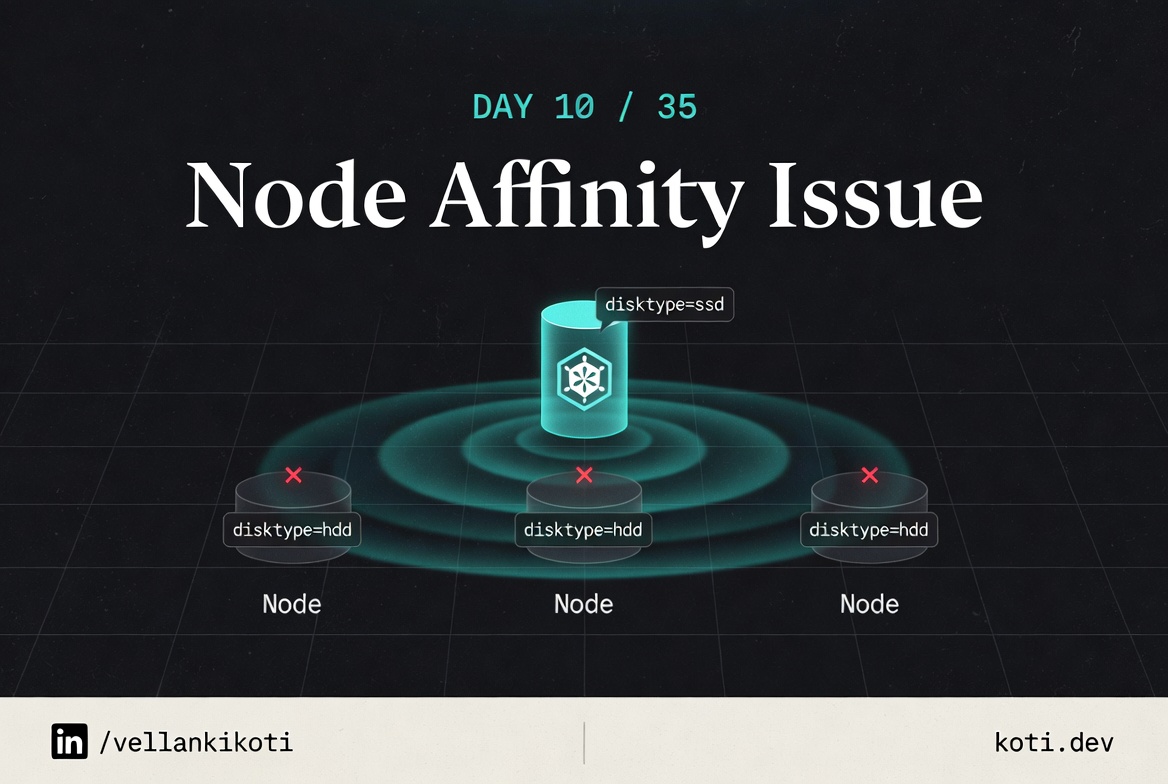
2:55 AM. A colleague pings me: "my pod won't schedule, can you look?" He sends me a screenshot of kubectl get pods and the status is, of course, Pending. I ask him how long. "An hour." I ask him if he changed anything recently. "Just added a nodeAffinity so it lands on the right box." And I already know what I am going to find before I even look at the YAML. Because every nodeAffinity bug I have ever seen comes down to the same two things: a label that does not exist, or a value with a typo in it.
This one was the typo. One character wrong in a hostname. The scheduler happily filtered out every real node in the cluster and then waited for a node that was never going to come.
The scenario
The pod requires a zone that does not exist.
The pod carries a requiredDuringSchedulingIgnoredDuringExecution nodeAffinity for topology.kubernetes.io/zone=us-east-1a. Every node in the cluster is in us-east-1b. Required affinity is a hard constraint — it never relaxes, never falls back, never times out. The pod waits forever.
Required affinity is a hard gate — it never relaxes
The pod uses requiredDuringSchedulingIgnoredDuringExecution. That means: during scheduling, the rule is a hard filter — if no node satisfies it, the pod stays Pending indefinitely. There is no fallback. Compare this to preferredDuringSchedulingIgnoredDuringExecutionwhich only influences the scoring phase and degrades gracefully when no match is found.
All three nodes are in us-east-1b — the required zone does not exist
Every node carries topology.kubernetes.io/zone=us-east-1b. The pod requires us-east-1a. Verify with kubectl get nodes --label-columns topology.kubernetes.io/zone. If the zone truly does not exist in your cluster you must either add a node in that zone or change the affinity.
The scheduler leaves an event — read it before doing anything else
Run kubectl describe pod <pod-name> and look at the Events section. You will see 0/3 nodes are available: 3 node(s) didn't match Pod's node affinity/selector. That message names the predicate exactly. No log diving. No guessing. Fix the zone value or switch to preferred if zone co-location is a preference rather than a hard requirement.
git clone https://github.com/vellankikoti/troubleshoot-kubernetes-like-a-pro.git
cd troubleshoot-kubernetes-like-a-pro/scenarios/node-affinity-issue
lsdescription.md, issue.yaml, fix.yaml. The issue pod pins itself to a hostname called non-existent-node. No such node exists in the cluster. The fix drops the affinity block entirely.
Reproduce the issue
kubectl apply -f issue.yaml
kubectl get pod node-affinity-issue-podNAME READY STATUS RESTARTS AGE
node-affinity-issue-pod 0/1 Pending 0 1mThe pod lands in Pending and stays there. No crash, no image pull error, no container state. Just a schedule that is never going to happen.
Debug the hard way
Go straight to describe.
kubectl describe pod node-affinity-issue-podEvents:
Type Reason From Message
---- ------ ---- -------
Warning FailedScheduling default-scheduler 0/1 nodes are available:
1 node(s) didn't match Pod's
node affinity/selector.Same message as yesterday's post, and that is an important clue. Affinity failures all look alike from the event log. To tell them apart you have to read the actual affinity rule.
kubectl get pod node-affinity-issue-pod -o yaml | grep -A 10 affinityaffinity:
nodeAffinity:
requiredDuringSchedulingIgnoredDuringExecution:
nodeSelectorTerms:
- matchExpressions:
- key: kubernetes.io/hostname
operator: In
values:
- non-existent-nodeThere it is. The pod is demanding a node whose kubernetes.io/hostname label equals non-existent-node. Now the sanity check:
kubectl get nodes -o jsonpath='{.items[*].metadata.labels.kubernetes\.io/hostname}'kind-control-planeCluster has one node, named kind-control-plane. The pod is asking for non-existent-node. No match, no schedule, forever.
Why this happens
kubernetes.io/hostname is a well-known label that every node in a Kubernetes cluster automatically has. The value is the node's actual hostname. When you use it in a nodeAffinity rule with operator: In, you are saying "pin this pod to a specific named machine." That is a completely legal thing to do, and sometimes it is exactly what you want, for example when a workload has a licence tied to a specific MAC address.
The problem is that the value is a free-form string. Nothing in the API server or the scheduler validates that the hostname you wrote actually exists. If you type nod1 instead of node1, the pod is accepted, the scheduler filters out every real node, and the pod waits. There is no linter between you and the mistake.
The cure is boring but effective. Anytime you hand-write an affinity rule against kubernetes.io/hostname, run kubectl get nodes in the same breath and copy the value from the output, do not retype it.
The fix
kubectl apply -f fix.yaml
kubectl get pod node-affinity-issue-fixed-podNAME READY STATUS RESTARTS AGE
node-affinity-issue-fixed-pod 1/1 Running 0 5sThe diff: the entire affinity block removed. If the intent is to actually pin the pod, rewrite it with a real hostname:
affinity:
  nodeAffinity:
    requiredDuringSchedulingIgnoredDuringExecution:
      nodeSelectorTerms:
      - matchExpressions:
        - key: kubernetes.io/hostname
          operator: In
          values:
- kind-control-plane # copied from kubectl get nodesThe lesson
- The API server does not validate affinity values against real nodes. Typos are silent.
- Every affinity failure looks the same in the event log. The difference is in the pod spec, not the events.
- When you reference
kubernetes.io/hostname, copy the value fromkubectl get nodes, do not retype it.
Day 10 of 35 — tomorrow, the most common scheduling block in production: a taint without a matching toleration.