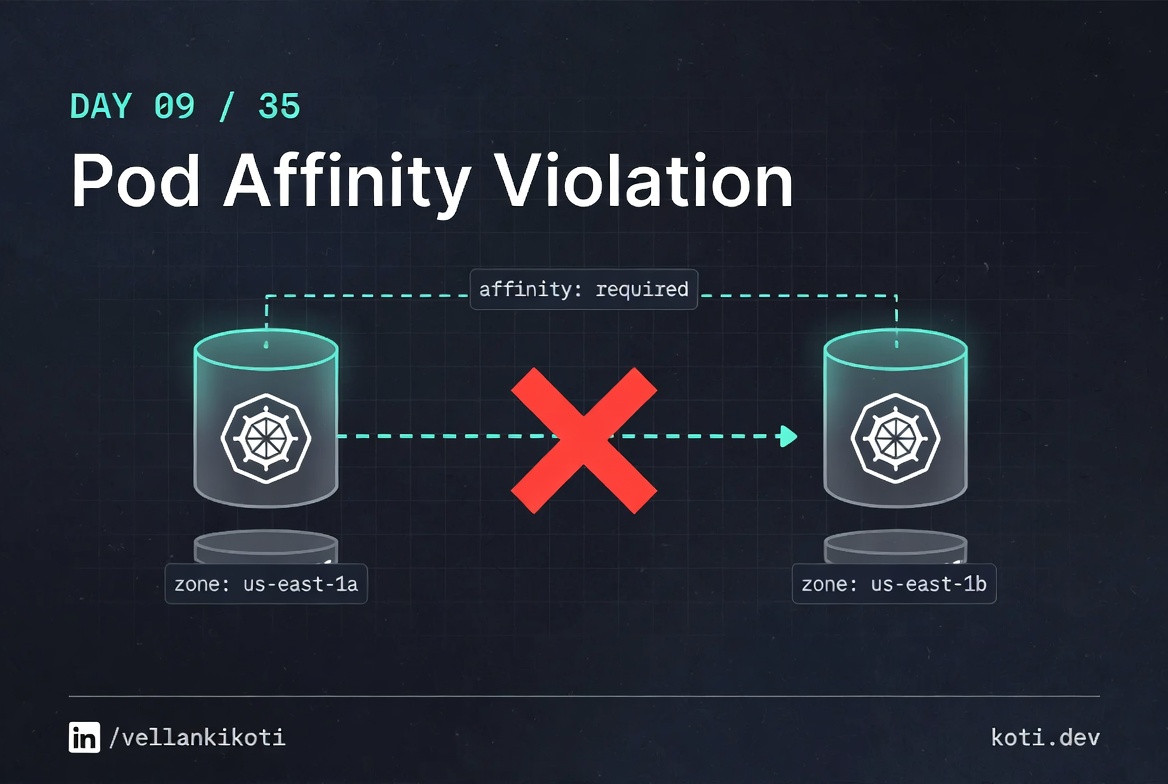
2:40 AM. Different night, different cluster, same kind of Pending. This time the pod is a new nginx workload a teammate shipped in a hurry before going to bed. I pull up the Deployment, replicas desired 1, replicas available 0, and the pod has been Pending for over an hour. The twist is that the cluster has plenty of room. CPU is at 30%, memory is at 40%, every node is green on the dashboard. And yet one pod, with a 50 megabyte image, cannot find a home.
I already know it is not capacity. I already know it is not the image. So it is either taints, node selectors, or the one that always bites me at night: affinity.
The scenario
Three replicas scheduled. Only two nodes available.
A Deployment with replicas=3 uses podAntiAffinity with topologyKey: kubernetes.io/hostname — each replica must land on a different node. The cluster has two nodes. Two replicas place fine. The third has nowhere to go. It waits Pending with: 0/2 nodes available — 2 node(s) didn't match pod anti-affinity rules.
Two replicas placed cleanly — the cluster is not misconfigured
replica-1 and replica-2 are Running. The podAntiAffinity rule worked as intended — each replica landed on its own node. The deployment's desired state is replicas: 3 and the anti-affinity rule uses topologyKey: kubernetes.io/hostname, meaning every replica must be on a distinct host. With two nodes, only two can be satisfied.
replica-3 is Pending because the uniqueness constraint cannot be met
Both existing nodes already carry a pod from this deployment. The anti-affinity predicate filters them both out. Run kubectl describe pod <replica-3-name> and look for 0/2 nodes available: 2 node(s) didn't match pod anti-affinity rules. The pod will stay Pending until a third node is added or the replicas count is reduced.
podAntiAffinity requires the cluster to have as many nodes as replicas
This is the teaching truth: hard podAntiAffinity on hostname topology imposes a 1-to-1 constraint between replicas and nodes. If you need N replicas you need at least N nodes with the matching topology label. Consider switching to preferredDuringSchedulingIgnoredDuringExecution if spreading is a preference rather than a hard requirement, or use topologySpreadConstraints with whenUnsatisfiable: ScheduleAnyway for a soft spread that still places the pod.
Same repo, different folder. You should have a running cluster from Day 0 ready to go.
git clone https://github.com/vellankikoti/troubleshoot-kubernetes-like-a-pro.git
cd troubleshoot-kubernetes-like-a-pro/scenarios/affinity-rules-violation
lsdescription.md, issue.yaml, fix.yaml. The issue manifest pins the pod to nodes that have a disktype=ssd label. If no node in your cluster has that label, the pod is homeless by design.
Reproduce the issue
kubectl apply -f issue.yaml
kubectl get pod affinity-violation-podNAME READY STATUS RESTARTS AGE
affinity-violation-pod 0/1 Pending 0 2mTwo minutes, five minutes, ten. The pod does not move. And unlike the insufficient-resources case, the cluster looks perfectly healthy. That is the trap. Everything is fine except the one pod that has asked for a label no node has.
Debug the hard way
describe first, always.
kubectl describe pod affinity-violation-podEvents:
Type Reason From Message
---- ------ ---- -------
Warning FailedScheduling default-scheduler 0/1 nodes are available:
1 node(s) didn't match Pod's
node affinity/selector.The magic words: didn't match Pod's node affinity/selector. That rules out CPU, memory, taints, and every other predicate. The scheduler is saying the nodes exist, they have room, but your pod's label requirement does not match any of them.
Now confirm what the pod actually wants:
kubectl get pod affinity-violation-pod -o jsonpath='{.spec.affinity}'{"nodeAffinity":{"requiredDuringSchedulingIgnoredDuringExecution":
{"nodeSelectorTerms":[{"matchExpressions":[
{"key":"disktype","operator":"In","values":["ssd"]}]}]}}}The pod demands disktype=ssd. Now the other side of the equation:
kubectl get nodes --show-labelsNAME STATUS ROLES LABELS
kind-control-plane Ready control-plane kubernetes.io/hostname=kind-control-plane,
kubernetes.io/os=linux,...No disktype label anywhere. The pod is asking for something that does not exist on any node in the cluster. The scheduler will never satisfy this, no matter how long it waits.
Why this happens
requiredDuringSchedulingIgnoredDuringExecution is a mouthful, but the two halves tell you everything. required means the rule is hard: no match, no schedule. IgnoredDuringExecution means if a running pod's conditions change later, Kubernetes will not evict it. Together, they produce a rule that is strict at placement time and lazy after.
The usual cause is a copy-paste from a production manifest into a dev cluster where the nodes were never labelled. Production has disktype=ssd on every worker. Dev does not. The YAML is identical, but the environment is not. The scheduler does not care about your intent, it cares about labels.
There is no warning when you kubectl apply a pod whose affinity is impossible to satisfy. The API server accepts it cleanly. The only feedback loop is the scheduler event log, and you only see it if you go look.
The fix
Two valid paths. Label the nodes so they match, or relax the pod. For a dev cluster, relaxing is faster:
kubectl apply -f fix.yaml
kubectl get pod affinity-violation-fixed-podNAME READY STATUS RESTARTS AGE
affinity-violation-fixed-pod 1/1 Running 0 4sThe diff: the entire affinity block is gone. That is the fix. If you wanted to keep the rule for production fidelity, label your dev node instead:
kubectl label node kind-control-plane disktype=ssdEither path works. The point is that one side of the equation has to move.
The lesson
- A Pending pod on a cluster with free capacity is almost always an affinity, taint, or selector mismatch. Skip capacity and go straight to
describe. requiredrules are strict and silent. The API server will accept an impossible rule and the pod will wait forever.- Affinity is a two-sided contract. Always check the pod's requirement and the node's labels in the same breath.
Day 9 of 35 — tomorrow, nodeAffinity pointing at a hostname that does not exist, and the one-character typo that cost me an hour.