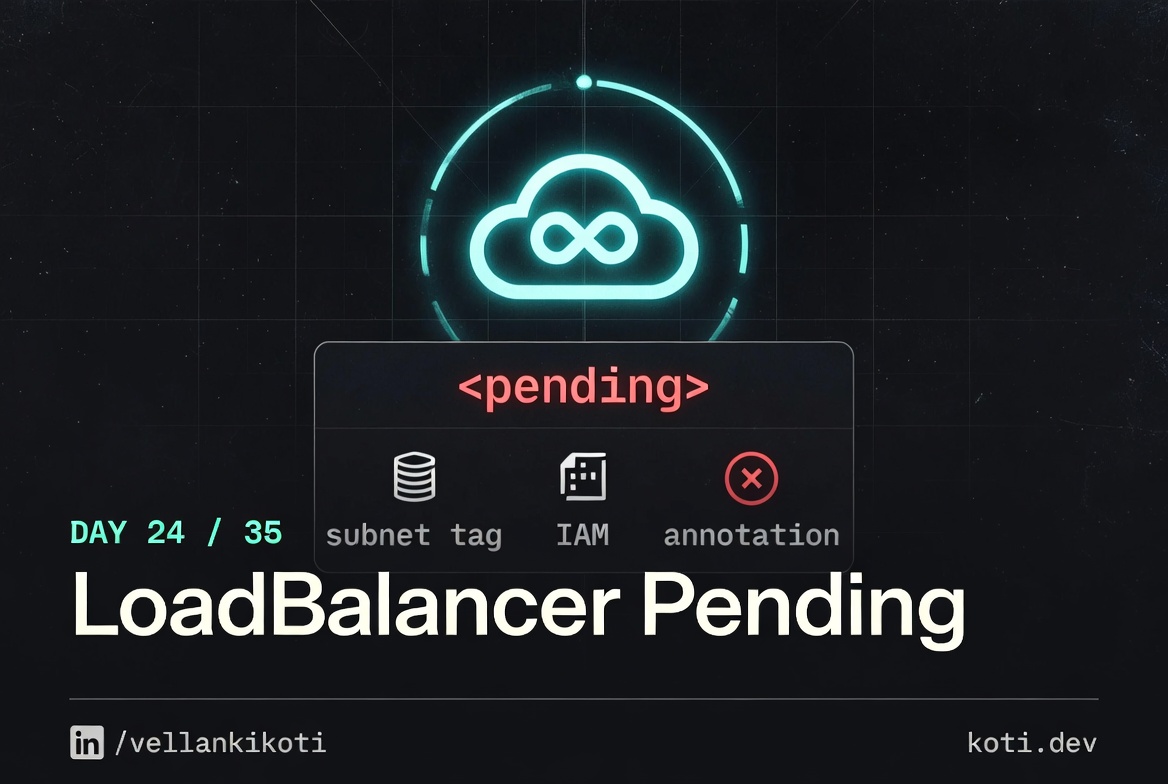
Launch is in four hours. I apply the Service, run kubectl get svc, and the two most annoying characters in Kubernetes stare back at me: <pending>. The cloud-controller-manager logs look clean. The cluster is healthy. Other LoadBalancer Services in the same cluster are happily holding real external IPs. This one has been sitting on <pending> for twelve minutes and climbing. I open an AWS console tab, dig through ELB, and there is actually a brand-new ELB created for this Service, reachable, TCP listener up. But it has zero healthy targets, because the Service selector matches no pods, so the controller registered no backends. The provisioning worked fine. The selector was wrong.
The scenario
The NLB is up. All targets are unhealthy.
The cloud controller manager provisioned an AWS NLB and registered the pods as targets. But the NLB health check pings port 80 while the pods listen on 8080. Every target fails the check. External clients get 502s. The cloud LB has its own health check — independent of Kubernetes readiness probes. Both must agree on the port.
The NLB health check targets the wrong port
The target group health check is configured as GET :80/. Nothing in the cluster listens on port 80. The cloud LB health check is independent of Kubernetes readiness probes — it runs from the AWS side directly against the pod IP.
All three targets show unhealthy
Every TCP connection to pod-ip:80 is refused. AWS marks each target unhealthy. With zero healthy targets the NLB returns 502 Bad Gateway to every client. The pods are perfectly fine — they are just not being asked on the right port.
The pod is healthy on port 8080
The container listens on :8080 and returns 200 OK there. Fix: update the target group health check port to 8080 to match. Both the cloud LB and the Kubernetes readiness probe must agree on the port.
Before we debug anything, reproduce it locally so your screen matches mine.
git clone https://github.com/vellankikoti/troubleshoot-kubernetes-like-a-pro.git
cd troubleshoot-kubernetes-like-a-pro/scenarios/loadbalancer-service-misconfig
lsYou will see issue.yaml, fix.yaml, description.md, and the helper scripts. The two YAML files are what we need. The Service in issue.yaml selects app: non-existent-app, which deliberately matches no pods.
Reproduce the issue
kubectl apply -f issue.yamlservice/loadbalancer-service-issue createdkubectl get svc loadbalancer-service-issueOn a managed cluster with a cloud-controller-manager, the output looks like this:
NAME                         TYPE           CLUSTER-IP      EXTERNAL-IP   PORT(S)        AGE
loadbalancer-service-issue   LoadBalancer   10.96.201.44    <pending>     80:31220/TCP   45s
On a local kind or minikube cluster without an LB implementation, EXTERNAL-IP stays <pending> forever for a different reason. Both look identical on the surface, and that is half the problem. Same symptom, completely different causes.
Debug the hard way
First, the endpoints check. Always the endpoints check.
kubectl get endpoints loadbalancer-service-issueNAME ENDPOINTS AGE
loadbalancer-service-issue <none> 1m<none> means the Service selector matches zero pods. That is the real problem, and it's independent of the cloud provider entirely. Now look at events:
kubectl describe svc loadbalancer-service-issue | tail -15Type: LoadBalancer
Selector: app=non-existent-app
Events:
Type Reason Age From Message
---- ------ ---- ---- -------
Normal EnsuringLoadBalancer 1m service-controller Ensuring load balancer
Normal EnsuredLoadBalancer 55s service-controller Ensured load balancerOn a cloud cluster, you see EnsuredLoadBalancer. The LB exists. Kubernetes did its job. Yet EXTERNAL-IP is <pending> because on some providers the controller only publishes the IP after at least one backend target goes healthy. And with no endpoints, nothing ever goes healthy.
Check the controller manager if you have access:
kubectl -n kube-system logs -l component=cloud-controller-manager --tail=50 | grep -i loadbalancerYou'll see the ensure call succeed. The mystery is not in the logs. It is in that one <none> line from kubectl get endpoints.
Why this happens
A LoadBalancer Service has two jobs. The cloud-controller-manager provisions an external load balancer in the provider (ELB, NLB, GCP Forwarding Rule, Azure LB), and kube-proxy programs the node-level rules that forward packets from the node port to one of the backend pods. The selector decides which pods become backends. No selector matches, no endpoints. No endpoints, no healthy targets. No healthy targets, and a lot of cloud providers will not publish the external IP into .status.loadBalancer.ingress, which is what kubectl get svc shows.
The second common cause is missing cloud-provider annotations. On AWS, if you want an NLB instead of a classic ELB, you need service.beta.kubernetes.io/aws-load-balancer-type: nlb. If you want internal, you need service.beta.kubernetes.io/aws-load-balancer-scheme: internal. Missing subnet tags will also keep the LB from provisioning at all. Each cloud has its own matrix of annotations.
The third cause is cluster networking without a cloud provider. On kind, minikube, or a bare-metal cluster without MetalLB installed, LoadBalancer Services have no controller to reconcile them, and they sit on <pending> forever. Not a bug, just nothing listening for that resource.
The fix
kubectl delete -f issue.yaml
kubectl apply -f fix.yamlThe diff is one line. The selector changes from app: non-existent-app to app: my-app, matching the actual pods:
selector:
app: my-appVerify:
kubectl get svc loadbalancer-service-fixed
kubectl get endpoints loadbalancer-service-fixedEndpoints list populates in a second or two. On a cloud cluster, the EXTERNAL-IP fills in within a minute after the first target goes healthy.
The lesson
<pending>is a symptom, not a cause.kubectl get endpointstells you in one line whether you have a Kubernetes problem or a cloud problem.- Know your cloud's required annotations and subnet tags before you apply. Copy them from a working Service in the same cluster rather than from a blog post.
- On local clusters, install MetalLB if you want LoadBalancer Services to actually get an IP. Otherwise use NodePort or port-forward.
Day 24 of 35, tomorrow an Ingress returns 404 for a host that definitely exists, and the nginx logs show your request never even arrived.