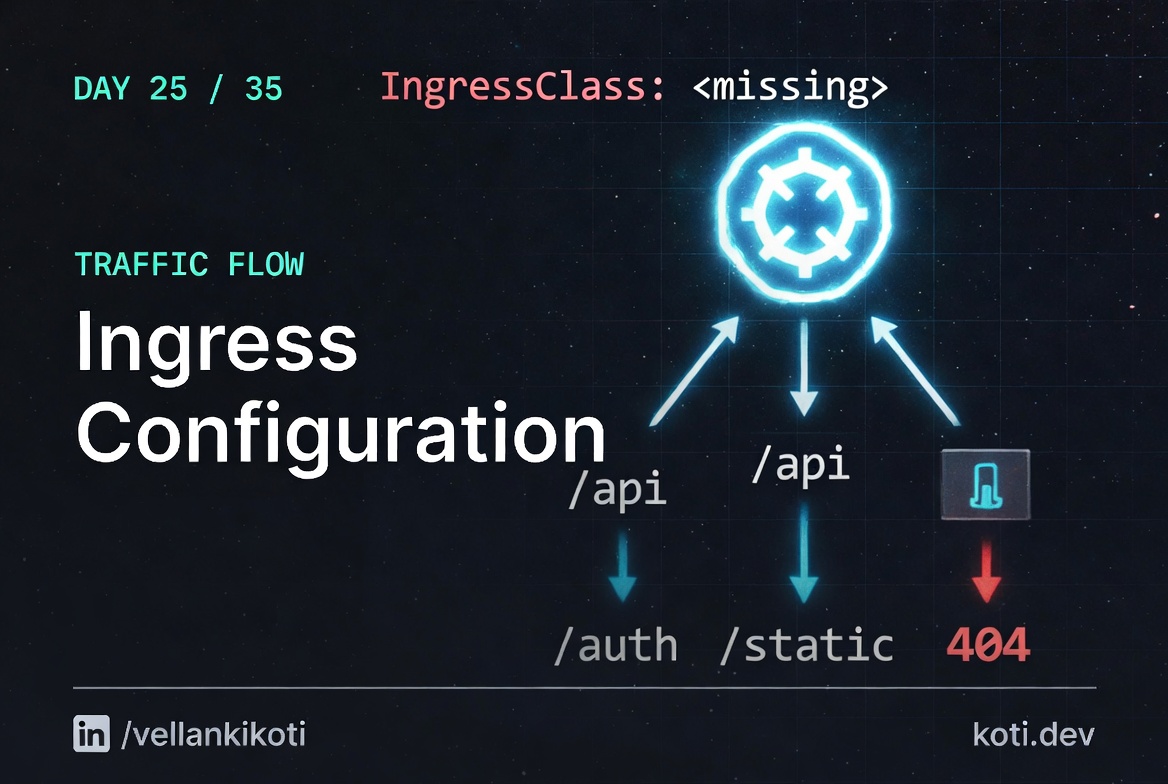
2AM, the public URL returns 404 Not Found from somewhere that is definitely not my application. I curl the Service ClusterIP from inside a debug pod, and the backend returns a clean 200. Pods are healthy, endpoints populated, everything fine. Yet curl https://app.example.com returns 404, and support is pinging. I open the ingress controller logs expecting to see my request, and the request is not there at all. The nginx pod never saw it. Somewhere between the browser and nginx, the request is being answered by something else, and that something else is the default backend of a completely different ingress controller that nobody told me the cluster had two of.
The scenario
The Ingress rule points at api-svc. The cluster only knows api-service.
A one-character typo in the backend service name is invisible at apply time. The Ingress controller silently routes every matching request to the default backend and returns 404. No event, no log, no warning — just a wrong answer.
The client sends the request
curl -H "Host: api.example" http://<ingress-ip>/ reaches nginx-ingress. The Host header matches the rule. So far, so good.
The backend name is a typo
The Ingress manifest says service.name: api-svc. That Service does not exist. kubectl apply accepted the manifest without complaint — Ingress backends are not validated against live cluster state at apply time. nginx-ingress discovers the miss only when it tries to build its upstream list, and silently routes to the default backend.
The real Service is api-service
Run kubectl get svc to see the actual name. One character difference: api-svc vs api-service. The backend and the pod are healthy. Only the Ingress rule is wrong.
Before I bore you with theory, reproduce the broken state on your cluster.
git clone https://github.com/vellankikoti/troubleshoot-kubernetes-like-a-pro.git
cd troubleshoot-kubernetes-like-a-pro/scenarios/ingress-configuration-issue
lsYou will see issue.yaml, fix.yaml, description.md, misconfigured_ingress.sh, invalid_tls_ingress.sh. The two YAML files are what we need. The Ingress in issue.yaml points at a host that nobody is sending traffic to.
Reproduce the issue
kubectl apply -f issue.yamlingress.networking.k8s.io/ingress-issue createdNow try to hit the host from a debug pod:
kubectl run tester --rm -it --image=curlimages/curl --restart=Never -- \
curl -H "Host: non-existent-domain.com" http://<ingress-controller-ip>/<html>
<head><title>404 Not Found</title></head>
<body>
<center><h1>404 Not Found</h1></center>
<hr><center>nginx</center>
</body>
</html>Same symptom as real production, different root cause. The ingress controller rejects the request because no matching host rule exists. A real user hitting https://app.example.com would see a default backend page or a TLS handshake failure, depending on which of the four things is wrong.
Debug the hard way
kubectl get ingress ingress-issueNAME CLASS HOSTS ADDRESS PORTS AGE
ingress-issue <none> non-existent-domain.com 80 30sTwo red flags on that line. CLASS is <none> and ADDRESS is empty. No IngressClass means no controller claimed this Ingress. No address means no controller reconciled it. If you have nginx-ingress installed with the class nginx, you need ingressClassName: nginx on the resource or a default IngressClass marked with the annotation ingressclass.kubernetes.io/is-default-class: "true".
kubectl get ingressclassNAME CONTROLLER PARAMETERS AGE
nginx k8s.io/ingress-nginx <none> 14dkubectl describe ingress ingress-issue | tail -20Rules:
Host Path Backends
---- ---- --------
non-existent-domain.com
/ web-service:80
Events: <none>No events. The controller never touched this resource because the class is missing. And even if the class was right, non-existent-domain.com would still never receive traffic because no DNS record points there.
Why this happens
An Ingress needs four things to work, and if any one of them is wrong you get silent 404s or handshake errors. First, ingressClassName must match an installed controller, or you need a default IngressClass. Second, the host must match exactly what the client sends in the Host header, including subdomain. The request has to actually reach the ingress controller, which means your DNS A record or LoadBalancer points at the right address. Third, the path and pathType combination must match the request path. Prefix is usually what you want, Exact is a trap for requests with trailing slashes. Fourth, if you declare TLS, the secretName must exist in the same namespace and contain valid tls.crt and tls.key. Missing TLS secret means the controller falls back to its own self-signed cert and your browser sees a scary warning.
There is a fifth trap that is not in the spec but is in the real world: two ingress controllers in the same cluster. I have seen this on every cluster that was migrated from nginx to something else without removing the old controller. Both controllers try to claim unclassified Ingress resources, and whichever pod your traffic hits first wins. The fix is to always set ingressClassName, explicitly, on every resource.
The last trap is path rewrites. nginx-ingress defaults to passing the full path to the backend. If your backend expects /api/foo but the Ingress sends /app/api/foo, you need nginx.ingress.kubernetes.io/rewrite-target: /$2 with a capture group in the path. Get that regex wrong and you get 404s on every request.
The fix
Service name corrected. Rewrite annotation strips the path prefix.
Two fixes in one commit: the backend service name is corrected to api-service, and a rewrite-target annotation strips the /api prefix before forwarding. The upstream app never sees /api/foo — it sees /foo. The Ingress controller owns the translation.
The client sends the same request
curl -H "Host: api.example" http://<ingress-ip>/api/foo — nothing changed on the client side. The Host header and path are identical to what was failing before.
Two fixes in the manifest
Backend service name corrected to api-service. Path changed to the ImplementationSpecific regex /api(/|$)(.*) with annotation nginx.ingress.kubernetes.io/rewrite-target: /$2. The capture group $2 binds everything after /api/, so /api/foo becomes /foo upstream.
api-service receives the request as /foo
The upstream app no longer needs to know about the /api prefix. Verify with kubectl describe ingress — events should show the controller reconciled successfully and ADDRESS is populated.
kubectl delete -f issue.yaml
kubectl apply -f fix.yamlIn the scenario, the diff is one line: host changes from non-existent-domain.com to valid-domain.com. In a real cluster, the fix usually includes three things at once:
spec:
  ingressClassName: nginx
  rules:
  - host: app.example.com
    http:
      paths:
      - path: /
        pathType: Prefix
        backend:
          service:
            name: web-service
            port:
number: 80Verify:
kubectl get ingress ingress-fixed
kubectl describe ingress ingress-fixedADDRESS populates, events show the controller reconciled, and a curl with the right Host header returns your app.
The lesson
- Always set
ingressClassNameexplicitly. Never rely on the default class, especially in clusters that have ever had a controller migration. - If the Ingress
ADDRESScolumn is empty, no controller claimed the resource. Fix that before you debug anything else. - TLS secret, host, path, class. Those four. Every Ingress 404 in my career has been one of those four. Check them in order.
Day 25 of 35, tomorrow it's DNS. It is always DNS.