3:22 AM. API service, both probes share a /health endpoint, a developer renamed it to /api/v1/health in a "cleanup" PR that also passed review. Readiness fails at T+8, traffic drains, Service endpoints go empty, the loadbalancer starts returning 503 to every request. At T+14 liveness trips its threshold and the kubelet SIGKILLs the container. Container restarts, same renamed route, same failure, same outage. The dashboard looks like the service has been unplugged. Two kubelet controllers are arguing about whether this pod should even exist, and I have to untangle which failure came first before I can stop the bleeding.
The scenario
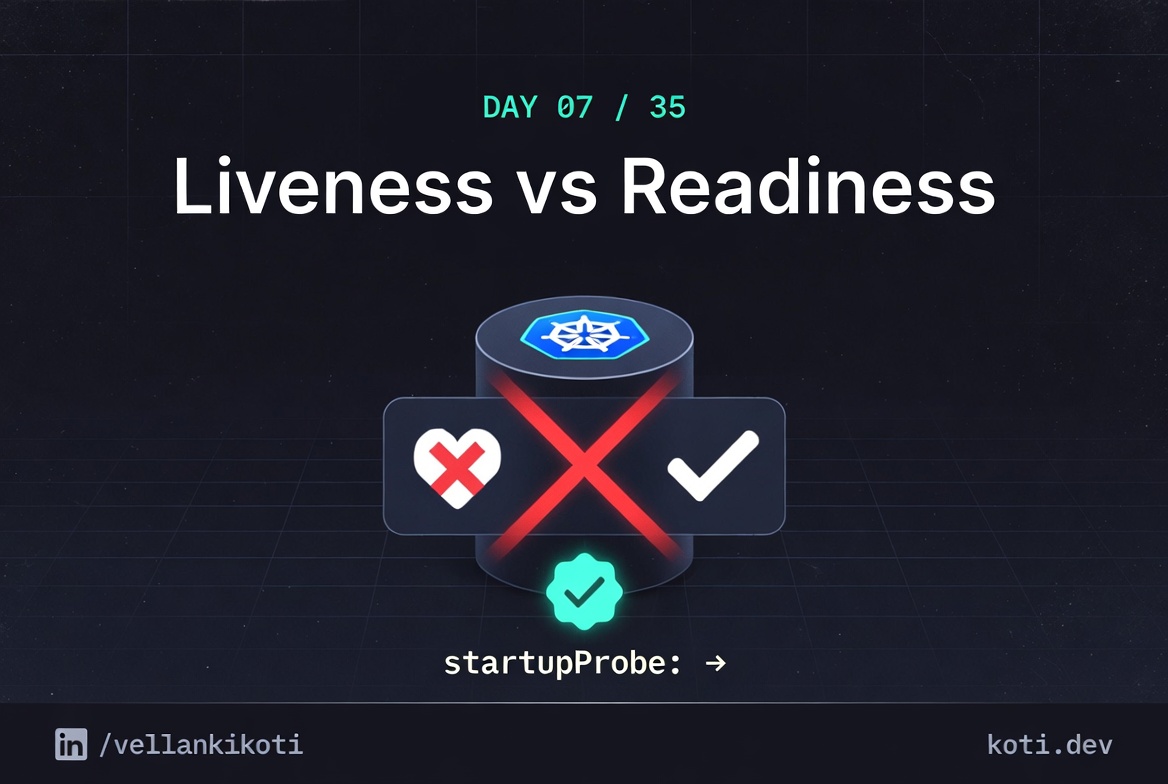
Two probes, two behaviours. One gates traffic. One gates restarts.
Readiness and liveness probes look identical in YAML but have completely different consequences when they fail. Use the wrong one and you either take traffic during a deploy or restart-loop a pod that is perfectly healthy.
Readiness failure: pod stays alive
kubelet sets Ready=False on the PodCondition. The process keeps running — no kill, no restart. The pod can recover without kubelet touching it if the probe starts passing again.
Removed from Endpoints — traffic drains
The Endpoints controller watches PodConditions. A Ready=False pod moves to notReadyAddresses. kube-proxy removes its iptables/IPVS rules. No traffic reaches the pod until it passes again.
Liveness failure: kubelet kills the container
After failureThreshold consecutive failures kubelet sends SIGTERM, then SIGKILL after terminationGracePeriodSeconds. The container is restarted per restartPolicy. Every liveness kill increments restartCount.
Wrong probe, wrong consequence
Use liveness on a slow-starting pod and kubelet kills it in a restart loop. Use readiness as a health gate during a deploy and traffic drains but the container stays running and can recover. Choose the probe type that matches the recovery you want.
From my troubleshoot-kubernetes-like-a-pro repo. This is the final probe scenario, and the one that forces you to read event ages as a timeline instead of a blob.
git clone https://github.com/vellankikoti/troubleshoot-kubernetes-like-a-pro.git
cd troubleshoot-kubernetes-like-a-pro/scenarios/liveness-readiness-failure
lsdescription.md, issue.yaml, fix.yaml. Assumes you have a cluster running from Day 0.
Reproduce the issue
kubectl apply -f issue.yaml
kubectl get podsWait about a minute.
NAME                             READY   STATUS             RESTARTS     AGE
liveness-readiness-failure-pod   0/1     CrashLoopBackOff   3 (5s ago)   1m10s
0/1 and CrashLoopBackOff at the same time. Two symptoms, which is what makes this confusing. You have to figure out which one to fix first, or whether they share a cause.
Debug the hard way
Logs are useless because nginx is happy. Describe.
kubectl describe pod liveness-readiness-failure-podConditions:
Type Status
Ready False
ContainersReady False
Last State: Terminated
Reason: Error
Exit Code: 137
Events:
Type Reason Age From Message
---- ------ ---- ---- -------
Warning Unhealthy 50s (x8 over 1m10s) kubelet Readiness probe failed:
HTTP probe failed with statuscode: 404
Warning Unhealthy 14s (x6 over 50s) kubelet Liveness probe failed:
HTTP probe failed with statuscode: 404
Normal Killing 14s (x2 over 40s) kubelet Container nginx failed
liveness probe, will be restartedRead the ages like a timeline. Readiness first failed 1m10s ago. Liveness first failed 50s ago. The gap is not random. Readiness probes mark the pod unready immediately on failure, independent of liveness. Liveness takes failureThreshold * periodSeconds to actually trigger a kill. So the order is always the same: readiness fails first, traffic drains, then liveness pulls the trigger, then the container restarts and the clock resets.
Confirm the cause in one row:
kubectl get pod liveness-readiness-failure-pod \
-o custom-columns='NAME:.metadata.name,READY:.status.conditions[?(@.type=="Ready")].status,RESTARTS:.status.containerStatuses[0].restartCount,LASTEXIT:.status.containerStatuses[0].lastState.terminated.exitCode'NAME READY RESTARTS LASTEXIT
liveness-readiness-failure-pod False 3 137Ready: False, RESTARTS: 3, LASTEXIT: 137. Two probes broken, one shared root cause.
Why this happens
Readiness and liveness share the same probe machinery in the kubelet but answer different questions. Readiness answers "should the Service route traffic here right now?" and its failure is cheap, just mark the pod unready. Liveness answers "is the process wedged beyond recovery?" and its failure is expensive, SIGKILL and restart. Both run on their own schedules, both independent, both reading their own result off the same HTTP endpoint if you are reckless enough to point them at the same path.
When the shared endpoint breaks, readiness notices first because it reacts on the first failure for routing purposes, while liveness waits for its full threshold before killing. You end up with a narrow window where the pod is hidden from the Service but the container is still alive, followed by the SIGKILL, followed by a restart that starts the entire cycle again. Two outages stacked on top of each other from one renamed route.
This is also exactly why startupProbe was added in Kubernetes 1.16. Before it existed, you had to cram slow-start tolerance into initialDelaySeconds, which meant either crippling your liveness probe or accepting that cold starts would kill pods. A startup probe disables both liveness and readiness entirely until it passes, which gives slow-starting apps a safe window to finish booting.
The fix
kubectl apply -f fix.yaml
kubectl get podsThe change is both probes pointed at / and periodSeconds relaxed from 3 to 5:
livenessProbe:
  httpGet:
    path: /
    port: 80
  periodSeconds: 5
readinessProbe:
  httpGet:
    path: /
    port: 80
periodSeconds: 5NAME READY STATUS RESTARTS AGE
liveness-readiness-failure-fixed-pod 1/1 Running 0 11sThe real fix you would push in a PR review is three probes, not two. A generous startupProbe that covers the boot window. A tight readinessProbe that owns traffic routing. A cheap local livenessProbe that only catches true deadlocks and never touches a dependency.
The lesson
- When both probes fail, read the event ages as a timeline. Readiness always fails first. Liveness always takes
failureThreshold * periodSecondslonger. Same pattern every time. - Liveness and readiness should almost never share an endpoint. Different questions, different failure modes, different blast radius.
- Startup probes exist for exactly this situation. If any boot step takes more than a few seconds, a
startupProbeis the correct answer, not a looserinitialDelaySeconds.
Day 7 of 35 — tomorrow the pod boots cleanly and then quietly gets killed by the node itself.