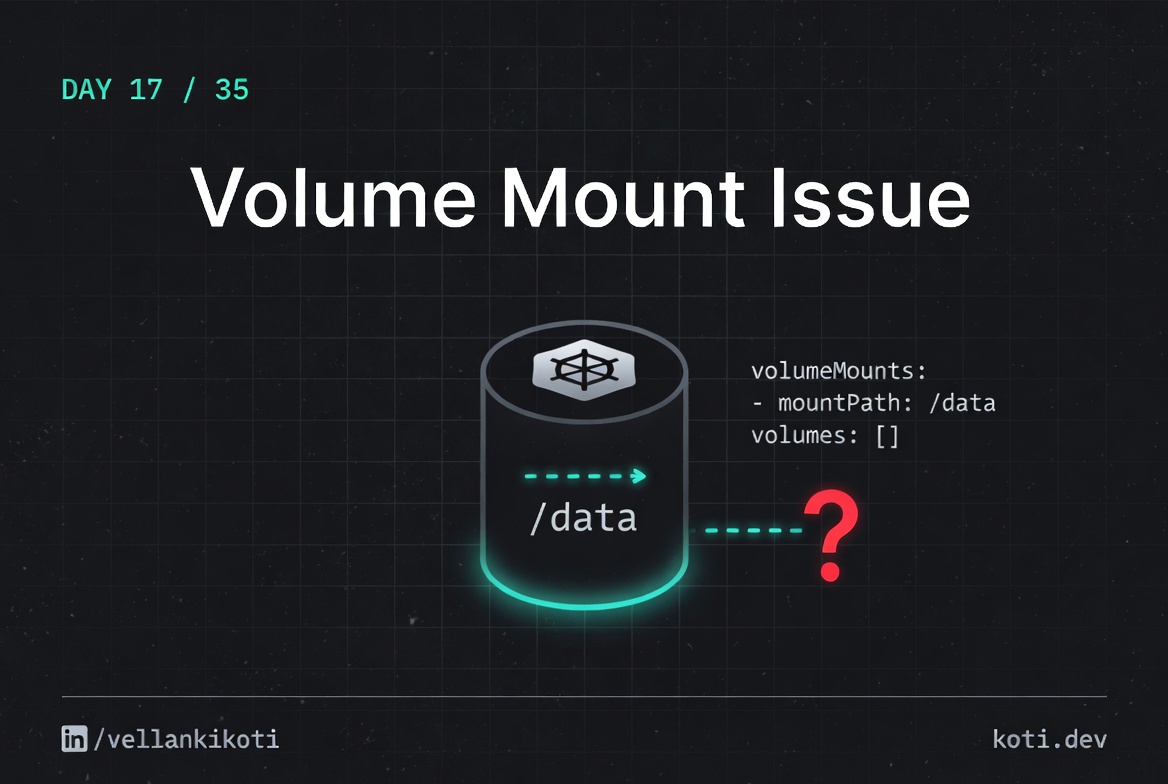
1:52 AM and a junior engineer was on a call with me, voice cracking. "The apply worked but the pod never starts." He had shipped a Helm change at midnight, gone home, and now nothing in the namespace would come up. He had read the error message four times. It said "volume not found" and that made him look at PVCs, at StorageClasses, at the CSI driver. He spent forty minutes on the wrong thing. The fix was one line in the values file. Somebody had renamed the volume in the volumes block but the volumeMounts reference still pointed at the old name. The API server rejected every pod at creation time and the error had scrolled off his terminal ninety seconds after he ran the apply.
The scenario
The pod is stuck in ContainerCreating. The Secret does not exist.
The pod references secret/app-config in its volumes block. The Secret does not exist in the default namespace. The kubelet volume manager retries the mount on a back-off loop. No container starts until every volume mounts successfully. The FailedMount event is the first place to look.
The pod never starts — it is stuck waiting on a volume
The kubelet will not exec the container entrypoint until every volume in the pod spec mounts successfully. A missing Secret is one of the most common causes of ContainerCreating that never resolves. Run kubectl describe pod and look for a FailedMount event naming the Secret.
The kubelet retries on a back-off loop
The volume manager polls with exponential back-off. After several attempts the interval grows to tens of seconds. The pod sits in ContainerCreating indefinitely — it does not transition to Error or CrashLoopBackOff, because no process has ever run. The first event is the signal, not the status.
Create the Secret in the correct namespace
Run kubectl get secret -n default to confirm the Secret is absent. Create it: kubectl create secret generic app-config --from-file=config.yaml. The kubelet picks it up on the next reconcile cycle — no pod restart needed. Secrets are namespace-scoped; a Secret in a different namespace is invisible to the pod.
The repo ships a clean reproduction. One pod, one volumeMount, zero volumes defined. Watch the API handle it.
git clone https://github.com/vellankikoti/troubleshoot-kubernetes-like-a-pro.git
cd troubleshoot-kubernetes-like-a-pro/scenarios/volume-mount-issue
lsOpen issue.yaml and you will see a volumeMounts block referencing missing-volume, and no volumes block at all. That is the shape of a thousand broken deploys.
Reproduce the issue
kubectl apply -f issue.yamlThe Pod "volume-mount-issue-pod" is invalid: spec.containers[0].volumeMounts[0].name: Not found: "missing-volume"If you are lucky, you catch that error at apply time. If you are unlucky, it got buried by three hundred lines of Helm output, the Pod never got created, and you are hunting a ghost.
kubectl get pod volume-mount-issue-pod
# Error from server (NotFound): pods "volume-mount-issue-pod" not foundNo pod. No event. No describe. Because the API rejected the object before it ever became a real pod in etcd.
Debug the hard way
kubectl apply -f issue.yaml --dry-run=server
# The Pod "volume-mount-issue-pod" is invalid: spec.containers[0].volumeMounts[0].name: Not found: "missing-volume"That dry-run is the trick. Server-side validation replays the exact error without touching the cluster.
kubectl explain pod.spec.containers.volumeMounts.nameFIELD: name <string>
DESCRIPTION:
This must match the Name of a Volume.The schema is literally telling you what to check. If the name does not match a volume in spec.volumes, the pod is invalid.
grep -n "name:" issue.yaml4: name: volume-mount-issue-pod
7: - name: busybox
10: name: missing-volumeThree names. Only one of them belongs in the mount. The volumes block is missing entirely.
Why this happens
Pod specs have two parallel sections that have to stay in sync: spec.volumes defines the volumes available to the pod, and spec.containers[].volumeMounts declares where each container wants to attach them. The API server validates that every volumeMounts.name has a matching entry in spec.volumes. If it does not, the pod is rejected before it even reaches the scheduler. No events, no describe output, nothing for kubectl to show you after the fact.
This breaks most often during refactors. Somebody renames a volume in the volumes block, runs tests against one container, and misses the second container that still uses the old name. Or a Helm template generates the mount name from one variable and the volume name from another, and they drift. The failure mode is identical: the first time the generated YAML hits the API server, it gets an HTTP 422 and disappears.
The trap is that the error is clear when you see it and invisible when you miss it. There is no graceful fallback, no warning event, no half-created pod. It is binary: accepted or rejected.
The fix
kubectl apply -f fix.yamlThe diff from issue to fix adds the missing volumes block and renames the mount to match:
volumeMounts:
  - mountPath: "/mnt/data"
    name: correct-volume
volumes:
  - name: correct-volume
emptyDir: {}kubectl get pod volume-mount-fixed-pod
# volume-mount-fixed-pod 1/1 Running 0 12sThe lesson
- API rejection errors happen at apply time and disappear from your scrollback in seconds. Always check the exit status and the last line of output.
kubectl apply --dry-run=serveris the fastest way to replay a validation error without touching the cluster.- Volume names in
volumeMountsandvolumesare a contract. The API server is the enforcement, and it is unforgiving.
Day 17 of 35. Tomorrow, the PVC that refuses to bind, and the five distinct reasons it might be sulking.